Airport Wi-Fi, Hotel Wi-Fi, Fake QR Codes: The 2026 Business Traveler's Security Guide
Some travel threats are well documented, some are mostly folklore, and one got much worse this year. Here is what the FBI, FTC, CISA, CBP and Microsoft actually say, plus a numbered checklist for your next trip.
By NetWorthy Editors · · 10 min read · 21 sources
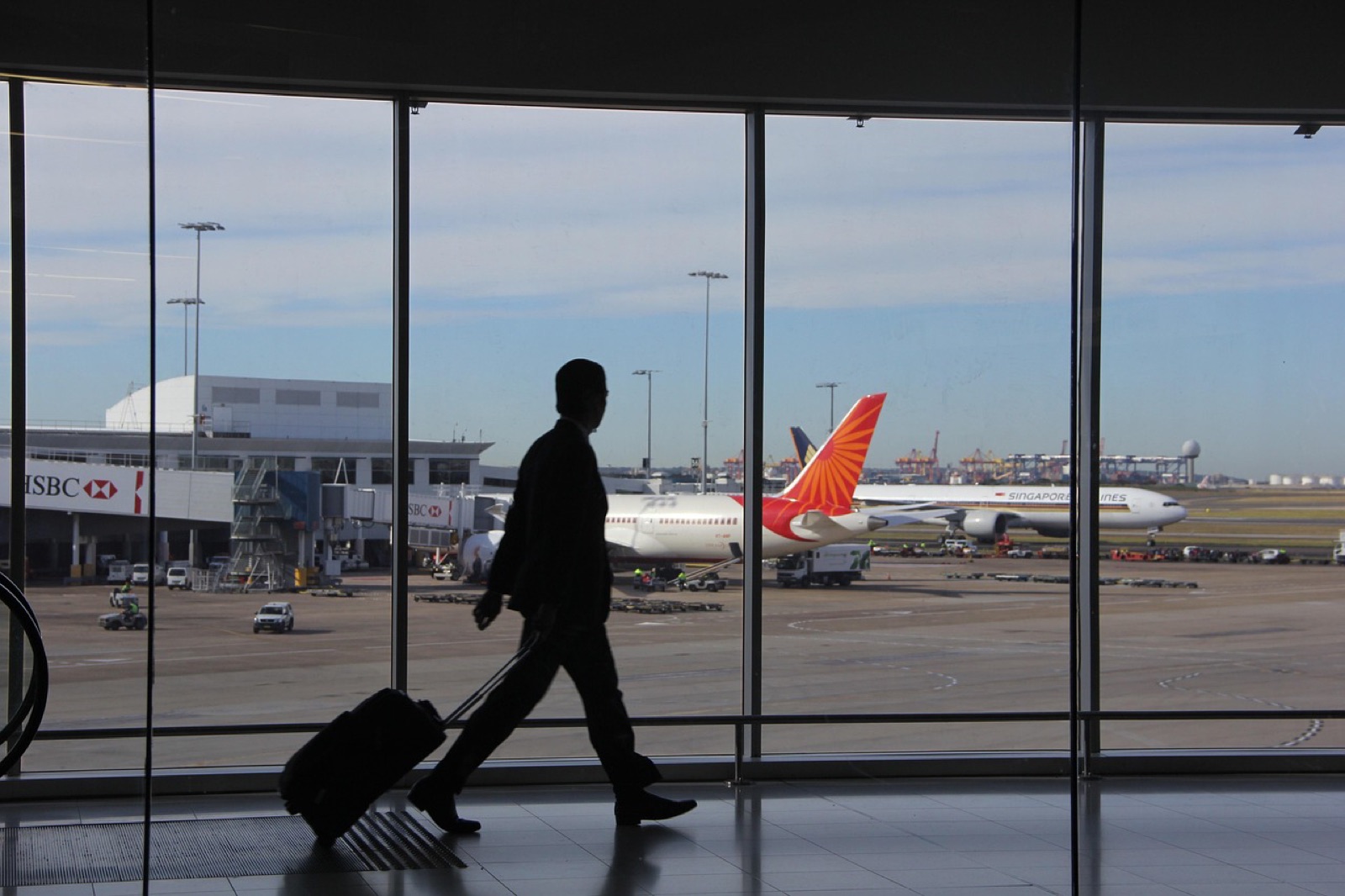
Key takeaways
- The FTC says public Wi-Fi is usually safe for HTTPS sites, but Microsoft reported in July 2026 that a Russian state-linked group hijacked hotel and conference Wi-Fi to steal Microsoft 365 access, so work traffic belongs on cellular or a VPN.
- Evil twin hotspots are real: an Australian man was sentenced in November 2025 to seven years and four months for fake Wi-Fi networks at Perth, Melbourne and Adelaide airports and on domestic flights.
- The FBI and FTC warn that scammers paste fake QR code stickers over real ones, especially on parking meters, to steal card details; check the web address before paying.
- Juice jacking has no publicly confirmed real-world cases, but 2025 research showed malicious chargers could bypass phone protections on devices from eight vendors, so using your own charger and an outlet is still the cheap safe move.
- CBP searched electronic devices of 55,318 international travelers in fiscal 2025, less than 0.01 percent of arrivals, and its officers may not use your device to access data stored only in the cloud.
Which travel security threats are real in 2026?
The threats with the strongest evidence in 2026 are compromised hotel and venue Wi-Fi, fake login pages on public networks, and QR code stickers that lead to payment-stealing sites. Juice jacking is technically possible but has little public evidence of real-world use, and border device searches are rare but legally broad. The table below sorts them by what the record actually shows.
| Threat | Evidence it happens | The fix |
|---|---|---|
| Hijacked hotel/conference Wi-Fi | Strong: Microsoft's July 2026 CaptiveCrunch report | Phone hotspot or eSIM; full-tunnel VPN; never install from a Wi-Fi page |
| Evil twin hotspots | Strong: 2025 Australian conviction | Confirm the exact network name; turn off auto-join |
| Fake QR code stickers | Strong: FBI and FTC warnings | Check the URL; pay through the official app |
| Juice jacking | Weak in the wild; proven in labs | Own charger, wall outlet, keep phone updated |
| Shoulder surfing and device theft | Common-sense risk; FBI guidance | Privacy screen, autofill, never leave devices |
| Border device search | Rare: under 0.01% of U.S. arrivals | Carry less data; power off before crossing |
If you only do three things: keep work traffic off shared Wi-Fi, never type a password into a page you reached from a QR code or a Wi-Fi login screen, and charge from your own gear. The rest of this guide explains why, then ends with a numbered checklist.
Is airport and hotel Wi-Fi safe to use?
Airport and hotel Wi-Fi is usually safe for ordinary browsing on HTTPS sites, but it is not safe to trust with work logins. The FTC's position, in its consumer guide on public Wi-Fi, is that "because of the widespread use of encryption, connecting through a public Wi-Fi network is usually safe." The FTC's caveat is the important part: encryption protects data in transit but won't make you safe "from scammers operating the site."
That caveat became the whole story in 2026. Microsoft Threat Intelligence reported on July 31 that a group it calls Storm-2945, part of Russia's Midnight Blizzard, has since early May been manipulating traffic on hotel and conference-center networks to send guests to fake Microsoft 365 logins, device code phishing and fake software updates. When the network itself is hostile, the padlock icon tells you only that you are talking privately to whoever is on the other end. We break that campaign down in how hackers are targeting hotel Wi-Fi to steal Microsoft 365 logins.
Government guidance has been consistent for years. CISA advises travelers to avoid using public Wi-Fi to conduct personal business. The FBI's 2020 PSA on working from hotels recommends a reputable VPN, using a phone's hotspot as an alternative, verifying the hotel's official network name, and disabling auto-reconnect. Microsoft's 2026 advice puts it most plainly: prefer mobile hotspots and "eSIM-based cellular data connections" over public Wi-Fi whenever practical.
If you do join venue Wi-Fi, connect your VPN right after the login page, and remember that the login page loads before the VPN does. Any "update," certificate or app that page offers is a red flag. Our VPN explainer covers what a VPN does and doesn't protect.
What is an evil twin network, and has it really happened?
An evil twin is a fake Wi-Fi hotspot with the same or similar name as a real one, and yes, it has led to prison time. In the best-documented recent case, Australian Federal Police charged a Perth man in 2024 after airline staff noticed a suspicious network during a domestic flight. According to BleepingComputer, victims who connected were taken to a fake page asking for their email or social media logins. Investigators linked the activity to airports in Perth, Melbourne and Adelaide, to domestic flights, and to locations tied to his former job.
He pleaded guilty, and SecurityWeek reported on December 1, 2025 that he was sentenced to seven years and four months, using a Wi-Fi Pineapple, a penetration-testing device that impersonates networks your phone has joined before. The FBI's 2020 hotel PSA describes the same technique: criminals create "malicious networks with similar names" to the hotel's.
- Get the exact network name from the front desk, gate signage or the airline, not from whatever appears first in your list.
- Be suspicious of any free hotspot that wants your email, Google, Facebook or Microsoft password to "log in." Airport and airline portals don't need it.
- Turn off auto-join for public networks and delete them from your saved list after the trip, so your phone stops broadcasting for them.
- On a plane, use only the network name the airline publishes in its app or seatback card.
How do fake QR code stickers work?
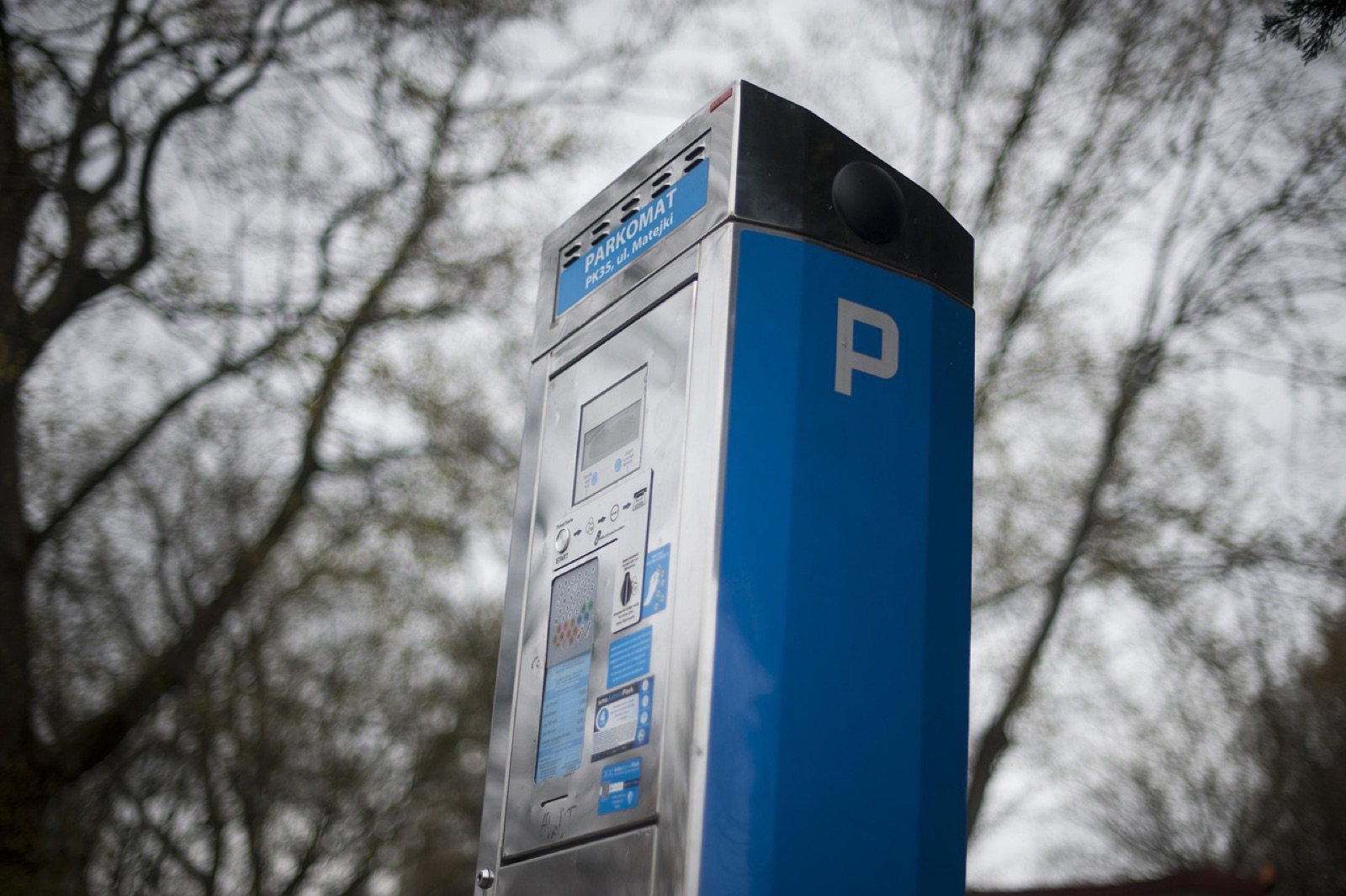
Scammers print their own QR codes and stick them over legitimate ones, so your scan opens a lookalike payment or login page that harvests your card number or password. The FBI's Internet Crime Complaint Center warned in January 2022 that criminals are tampering with both digital and physical QR codes. The FTC followed in December 2023, saying scammers are covering QR codes on parking meters with their own and sending QR codes in texts and emails about fake package or account problems.
“a random QR code sticker on the wall that said "pay here" that navigated to a payment portal that asked for your CC”
Travelers are exposed because airport garages, rental-car lots, city meters, restaurant tables and conference badges all use QR codes, and you don't know what the legitimate one is supposed to look like. One commenter described the pattern at a parking lot near their college:
“simply make a clone of the parking website and slap their own QR code stickers on a bunch of the spots.”
- Look before you scan. The FBI says to check physical codes for tampering, such as a sticker placed over the original.
- Read the URL before you type anything. The FTC says to look for "misspellings or a switched letter" in addresses you think you recognize.
- Pay through the official app or by typing the web address yourself. The FBI advises avoiding payments through a site you reached from a QR code.
- Never install an app from a QR code. Use your phone's app store, the FBI says, and skip third-party QR scanner apps; the built-in camera is enough.
- Ignore QR codes in unexpected texts and emails, especially ones that urge you to act immediately.
Is juice jacking real?
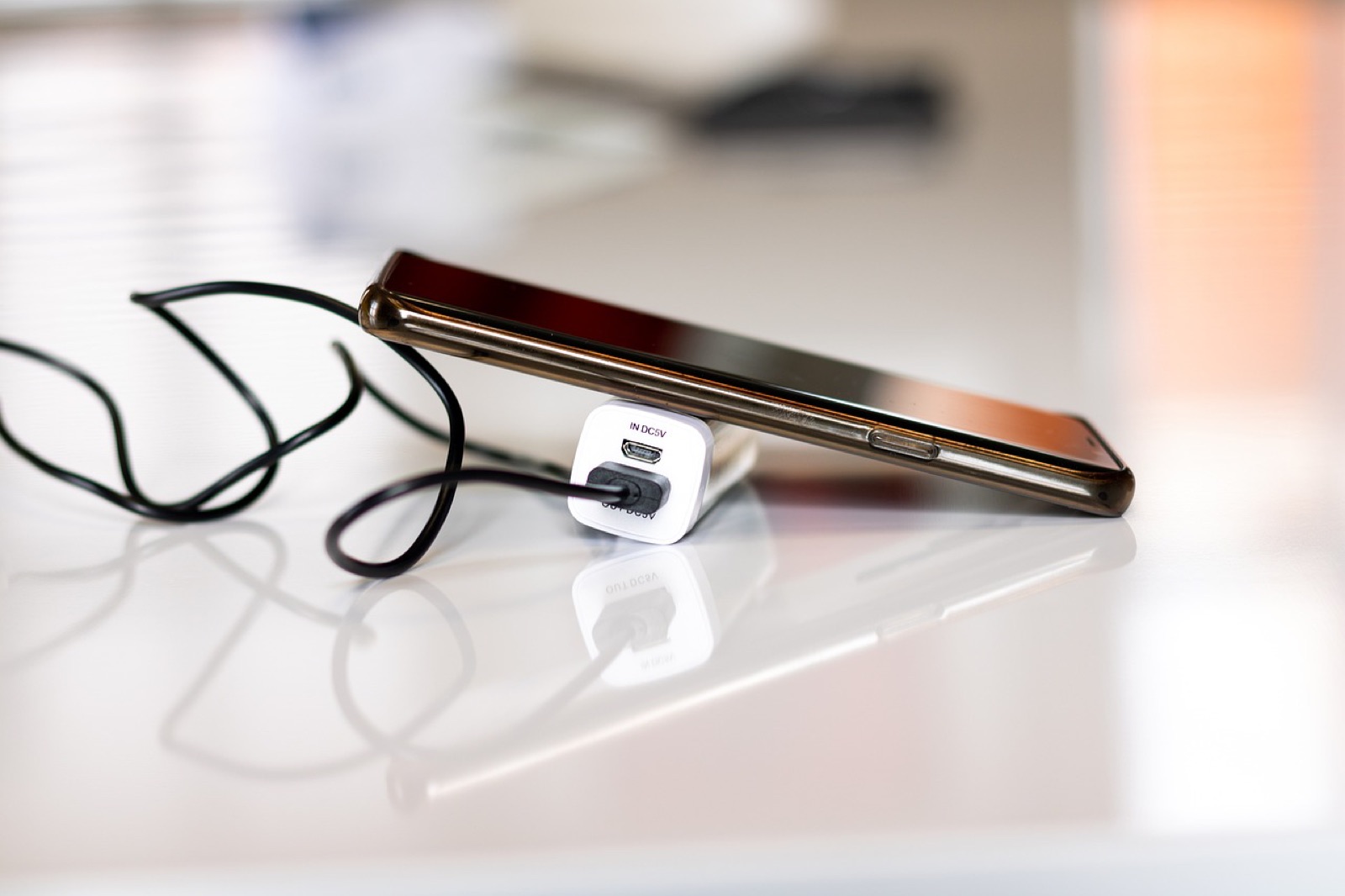
Juice jacking, malware or data theft through a public USB charging port, is real in labs but has little public evidence of happening to travelers. The warnings are official: in April 2023 the FBI's Denver office posted, as quoted by Malwarebytes, "Avoid using free charging stations in airports, hotels or shopping centers." In 2025 the TSA told travelers on Facebook, per Security Boulevard, "when you're at an airport do not plug your phone directly into a USB port."
Skeptics point out that no confirmed in-the-wild cases have been made public. KrebsOnSecurity reported in 2023 that the FBI described its post as a standard PSA rather than a response to a specific incident, and that one of the original juice jacking researchers wasn't aware of public accounts of malicious charging kiosks found in the wild. Malwarebytes likewise noted no known recent cases.
“I have yet to find credible "juice jacking" stories.”
The research moved in 2025, though. A Graz University of Technology team presented ChoiceJacking at USENIX Security 2025, the first attacks to bypass existing juice jacking mitigations. They report gaining access to sensitive user files on "all tested devices from 8 vendors including the top 6 by market share," and say Google, Samsung, Xiaomi and Apple acknowledged the findings and were integrating mitigations.
Bottom line: the risk to an ordinary traveler is low, the fix costs almost nothing, and keeping your phone updated is what closes the holes researchers found. Carry a battery pack and your own charger, use a wall outlet, and if a phone asks whether to "trust" a charger, say no.
How do you stop shoulder surfing and device theft on the road?
You stop shoulder surfing by never typing passwords where people can see them and keeping your screen out of sightlines, and you stop device theft by never letting devices out of reach. The FBI's guide for business travelers is direct: "Do not leave electronic devices unattended. Do not transport them (or anything valuable) in your checked baggage. Shield passwords from view." It also notes that business travelers have reported hotel rooms and belongings being searched while they were away.
- Use a password manager's autofill or passkeys so there's no password to watch you type.
- Fit a privacy filter on your laptop in airport lounges, trains and planes.
- Lock screens on a short timer and use a long passcode, not a four-digit PIN.
- Keep laptops and phones in your carry-on and on your person; a hotel safe is not a vault.
- Turn off Bluetooth when you don't need it, as CISA recommends.
- If a device is stolen abroad, the FBI says to report it to the local U.S. embassy or consulate, and tell your employer so it can be wiped.
Can border officers search your phone or laptop?
Yes. U.S. Customs and Border Protection can search electronic devices at the border without a warrant, but it happens to very few travelers. CBP's own figures show it searched the devices of 55,318 international travelers in fiscal 2025, "less than 0.01 percent" of arrivals; 92 percent were basic searches, meaning no equipment was connected to copy or analyze data. Advanced searches, where officers connect equipment to copy or analyze data, require reasonable suspicion and senior manager approval under CBP Directive 3340-049B.
- Cloud data is off-limits by policy. CBP says officers "may not use the device to access information that is solely stored remotely," and must disable network connectivity before searching.
- Refusing a passcode has consequences. U.S. citizens can't be denied entry, but the device may be detained. For foreign nationals, CBP may weigh refusal in admissibility decisions.
- Carry less. The Electronic Frontier Foundation's border guide suggests leaving devices at home or using a travel device with minimal data, using full-disk encryption with strong passwords, and powering devices off before you reach the checkpoint.
- Ask your employer first. Company laptops may hold client data with confidentiality obligations; your legal or security team should tell you what to do if a search is requested.
Other countries have their own rules, and some restrict VPNs. Before trips to restrictive destinations, read our VPN guide for China, the UAE and Russia.
What's the complete business travel security checklist?
Here is the full routine, in order, drawn from FBI, CISA, FTC, CBP and Microsoft guidance.
Before you go
- Update your phone, laptop and browser from their own settings menus. CISA and the FBI both list this first.
- Set up passkeys or a FIDO2 key on email and work accounts; CISA calls phishing-resistant MFA the gold standard.
- Install and test your VPN at home; our VPN comparison is a starting point. Our guide to VPNs for every device covers laptops, phones and tablets.
- Buy a travel eSIM or confirm your roaming plan so you can hotspot instead of using venue Wi-Fi.
- Remove data you won't need, and confirm full-disk encryption is on.
- Pack a battery pack, your own charger and cable, and a laptop privacy filter.
During the trip
- Use your phone's hotspot for work; if you must use Wi-Fi, confirm the exact network name and connect your VPN right away.
- Never install updates, certificates, profiles or apps offered by a Wi-Fi login page.
- Never enter your work email and password on a Wi-Fi registration page or a page reached by QR code.
- Refuse device code prompts you didn't start, and report repeated MFA requests to IT.
- Check QR codes for stickers and read the URL before paying; use official apps where possible.
- Charge from your own charger and a wall outlet.
- Keep devices with you, screens locked, and Bluetooth off when not needed.
- Power devices off before border checkpoints.
When you get home
- Change passwords, including voicemail, and check devices for malware, as the FBI's business travel guidance advises.
- Forget hotel, airport and airline Wi-Fi networks on every device.
- Report anything unusual to your security team. The FBI also asks travelers to report noteworthy incidents to the Bureau.
Working from coworking spaces between meetings? Our 5-minute coworking Wi-Fi checklist covers that setup. Shopping for a VPN on a budget? Start with VPN free trials.
Frequently asked questions
Is it safe to use airport Wi-Fi?
For general browsing on HTTPS sites, the FTC says public Wi-Fi is usually safe. For work logins, banking or anything sensitive, use your phone's hotspot or a VPN, confirm the official network name, and never enter passwords on a page a Wi-Fi login screen or QR code sent you to.
Has juice jacking ever actually happened?
There are no publicly confirmed in-the-wild cases, and the FBI described its 2023 warning as a standard advisory. But 2025 ChoiceJacking research showed malicious chargers could bypass protections on phones from eight vendors, so using your own charger and keeping your phone updated is still worthwhile.
How can I tell if a QR code is fake?
Look for a sticker placed over the original code, then read the web address your camera shows before opening it. Watch for misspellings or swapped letters, and pay through the official app or a URL you type yourself, as the FBI and FTC advise.
Can CBP make me unlock my phone at the border?
CBP can search devices at the border without a warrant. U.S. citizens can't be denied entry for refusing a passcode, but the device may be detained; foreign nationals' refusal may affect admissibility. CBP says officers may not access data stored only in the cloud.
What's the single most important thing for business travelers to do?
Keep work logins off shared Wi-Fi. Microsoft's 2026 CaptiveCrunch report showed hotel and conference networks being hijacked, and its first recommendation was to use mobile hotspots and eSIM data instead. Pair that with passkeys and you block most of the attacks in this guide.
Sources
- CaptiveCrunch: Midnight Blizzard targets travelers worldwide for malware delivery and credential theft — Microsoft Threat Intelligence, 2026-07-31
- Are Public Wi-Fi Networks Safe? What You Need To Know — Federal Trade Commission, 2023-02
- Securing Portable Electronic Devices During Travel — CISA, 2019-11-22
- A COVID 19-Driven Increase in Telework from Hotels Could Pose a Cyber Security Risk for Guests (I-100620-PSA) — FBI Internet Crime Complaint Center, 2020-10-06
- Australian charged for 'Evil Twin' WiFi attack on plane — BleepingComputer, 2024-07-01
- Australian Man Sentenced to Prison for Wi-Fi Attacks at Airports and on Flights — SecurityWeek, 2025-12-01
- Cybercriminals Tampering with QR Codes to Steal Victim Funds — FBI Internet Crime Complaint Center, 2022-01-18
- Scammers hide harmful links in QR codes to steal your information — Federal Trade Commission, 2023-12-06
- Don't plug your phone into a free charging station, warns FBI — Malwarebytes, 2023-04-12
- Why is 'Juice Jacking' Suddenly Back in the News? — KrebsOnSecurity, 2023-04-14
- Out of Juice? TSA Says Don't Plug Into Airport USB Ports — Security Boulevard, 2025-06-18
- ChoiceJacking: Compromising Mobile Devices through Malicious Chargers like a Decade ago — USENIX Security 2025, 2025
- Safety and Security for the Business Professional Traveling Abroad — FBI (copy hosted by Brookhaven National Laboratory)
- Border Search of Electronic Devices at Ports of Entry — U.S. Customs and Border Protection
- Digital Privacy at the U.S. Border: Protecting the Data On Your Devices — Electronic Frontier Foundation, 2017-03-09
- Implementing Phishing-Resistant MFA (fact sheet) — CISA, 2022-10
- Comment by abustamam on QR code parking payments — Hacker News, 2026-06-17
- Comment by dannyphantom on cloned parking QR codes — Hacker News, 2023-08-16
- Comment by Nextgrid on the TSA juice jacking warning — Hacker News, 2025-06-10
- How Passkey Management Works in Keeper — Keeper Security, 2026-02-18
- Saily: Travel eSIM & Data (App Store listing) — Apple App Store
Quotes from social posts are reproduced verbatim from public posts and linked to the original. Read our editorial standards.
From Rotation
Every story, one email, 8am daily.
Subscribe at the bottom of this page.
More travel guides
- 180,000 Americans Left the U.S. Last Year. Here's the Tech Setup Every New Expat Needs
- Why Your Banking App Stops Working Abroad (and the 2-Minute Fix)
- Working From Bali, Lisbon or Medellín? The 5-Minute Security Checklist for Coworking Wi-Fi
- Digital Nomad Visa Approved. Now Set Up These 4 Things Before You Fly